

Managing your finances means working across more platforms than ever, like accounting software, budgeting apps, investment tools, and online banking. However, most of them don't talk to each other, which means either you’re going back and forth between apps or platforms, or someone on your team is — or both.
Open banking changes that. It creates a secure connection between your bank and the financial tools you already use, so your data flows where it needs to go without manual entry, repeated logins, or reconciliation headaches. This capability is now available to First Business Bank clients, though Open Access Connect, for both business and personal banking. Read on to learn more about how it works, the security involved, and how to get started.
What Is Open Banking — And Why Is It Changing Now?
Open banking is a framework that allows financial institutions to securely share a client's financial data with authorized third-party applications — only with the client's direct consent.
For years, the most common way financial apps pulled bank data was through screen scraping, where a third-party app used your actual banking credentials to log in on your behalf and copy the data it needed. It was inefficient, prone to breaking, and raised real security concerns about handing your login credentials to outside parties.
Open banking replaces screen scraping with secure application programming interface (API) connections. An API is a direct, encrypted channel between your bank and a third-party app. Your credentials stay at your bank. The app or platform receives only the data you authorize, through a monitored and controlled connection, which makes it more reliable, more secure, and more accurate.
This shift is also happening at a regulatory level. The Consumer Financial Protection Bureau's (CFPB) personal financial data rights rule pushes banks toward a standard where consumers have clear, protected rights to share their own financial data with the tools they choose. Open banking is where the industry is heading.
How Does Open Banking Work?
Behind every open banking connection is an aggregator, which is a company that acts as a secure connector between banks and the financial apps you use. When you set up a connection in an app like QuickBooks® Online or Rocket Money, the aggregator handles the connection between that app and your bank.
 From your end, the process is straightforward. Within the financial app you use, look for an option to link or connect a bank account. Search for your bank, select it, and you'll be directed to a login screen that looks and works exactly like your normal online banking portal. You enter your credentials there — at your bank, not inside the third-party app — choose which accounts to share, and confirm. From that point forward, data syncs automatically.
The third-party app never accesses your banking login credentials. The connection runs through an encrypted, token-based system built on Financial Data Exchange (FDX) standards, the industry benchmark for secure, consumer-permissioned data sharing. You decide what is shared, and you can disconnect it at any time.
What Does This Mean for Your Business?
For business clients, open banking addresses a common friction point in day-to-day financial management: the gap between where your banking data lives and where your team actually works.
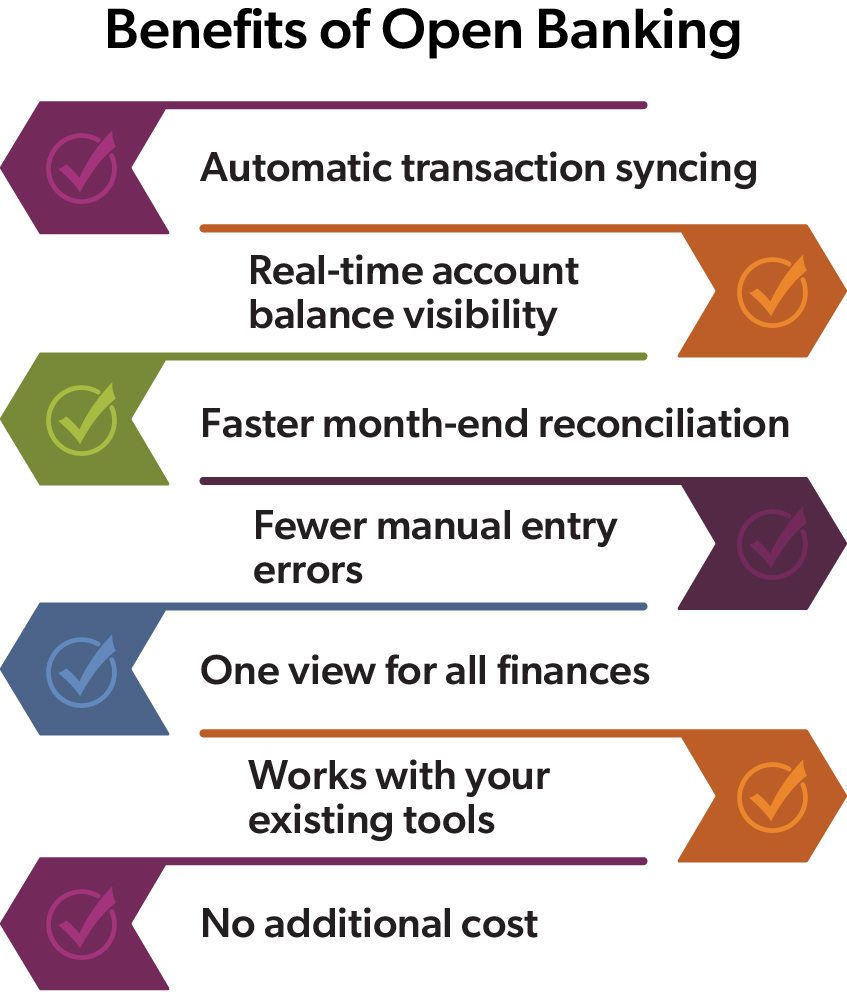
When your accounting or ERP platform connects directly to your bank through an open banking API, transactions sync automatically. You don’t need to log into online banking to pull activity and paste it somewhere else. Month-end reconciliation moves faster because the data is already there, categorized, and less likely to contain errors that come with manual entry.
Real-time cash visibility is another benefit of open banking for businesses. Rather than working from a balance that's hours behind, you can see current account data directly within the platform where you’re already working for an accurate, up-to-date balance you need to make confident decisions about liquidity, payments, and planning.
Compatible business platforms include:
- Accounting: QuickBooks Online, Xero, Sage, FreshBooks
- ERP systems: NetSuite, Microsoft Dynamics, and others
- Expense and AP tools: Bill.com, Expensify, Ramp, Brex
What Does This Mean for Your Personal Finances?
Open banking delivers the same kind of clarity for individuals managing personal wealth. If you've ever wished you could see your checking, savings, credit cards, and investment balances in one place, without logging into separate portals, that's what you get with open banking.
You authorize permission for personal finance apps like Rocket Money, YNAB (You Need a Budget), and similar tools to connect directly to your bank account, pulling transactions automatically and keeping your spending categories and budget figures current.
When preparing for tax season, the benefits multiply over time. Consistent, automatic data feeds throughout the year mean your financial picture is organized well before your accountant asks for it instead of reconstructing a year of transactions in March.
Is Open Banking Secure?
Open banking is built on several layers of protection that are stronger than the screen-scraping connections many clients used in the past.
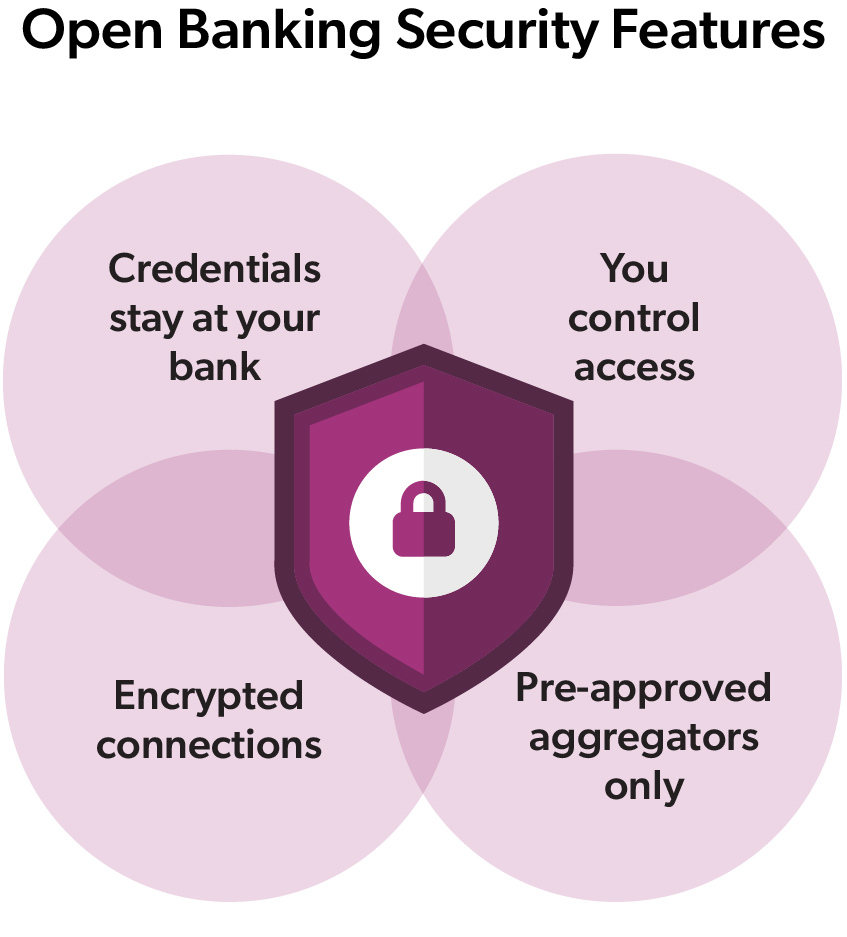 Your credentials stay with your bank. When you connect a third-party app, you log in through your bank's own authentication screen. Your username and password are never transmitted to or stored by any third-party application.
You control what is shared. You choose which accounts to connect, and you can disconnect access at any time directly within the third-party app.
Connections are encrypted end-to-end. Data moves through secure, token-based API connections built on FDX industry standards. All data in transit uses HTTPS encryption, and sensitive information is protected through enterprise-grade protocols.
Only pre-approved aggregators can connect. Third-party apps can only access your data through aggregator partners that are vetted and approved. Unknown or unauthorized applications cannot initiate a connection.
How Do You Get Started With Open Banking?
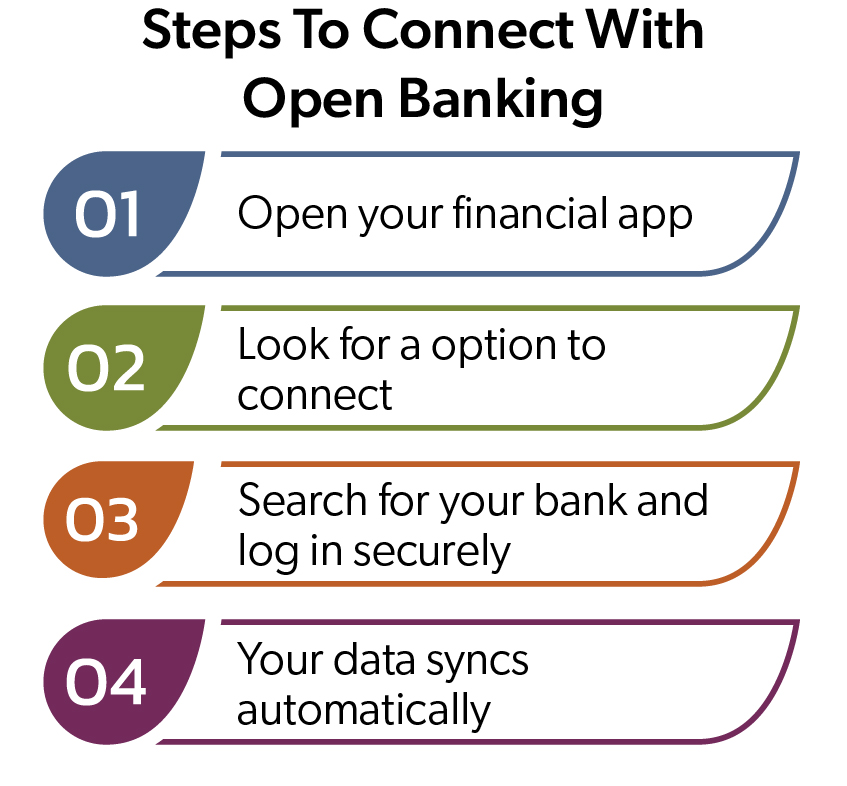 Setup happens entirely within your third-party financial app; there's nothing to configure or install on the banking side. When you're ready to connect, look for an option like "Connect Bank Account," "Link Accounts," or "Add Account Feed" within your app. Search for your bank, log in through the familiar online banking screen, choose the accounts you want to share, and you're done.
Open banking closes the gap between where your financial data lives and where you need it to be. For business owners and financial leaders, that means faster closes, more accurate reporting, and real-time visibility into cash position without additional manual processes. For individuals, it means a complete, current view of your financial life in the tools you already use.